Real-time syncing
Your schedules stay in sync, all the time. Whether you're adding, editing, or removing events, your calendars update instantly, no delays, no hassle.
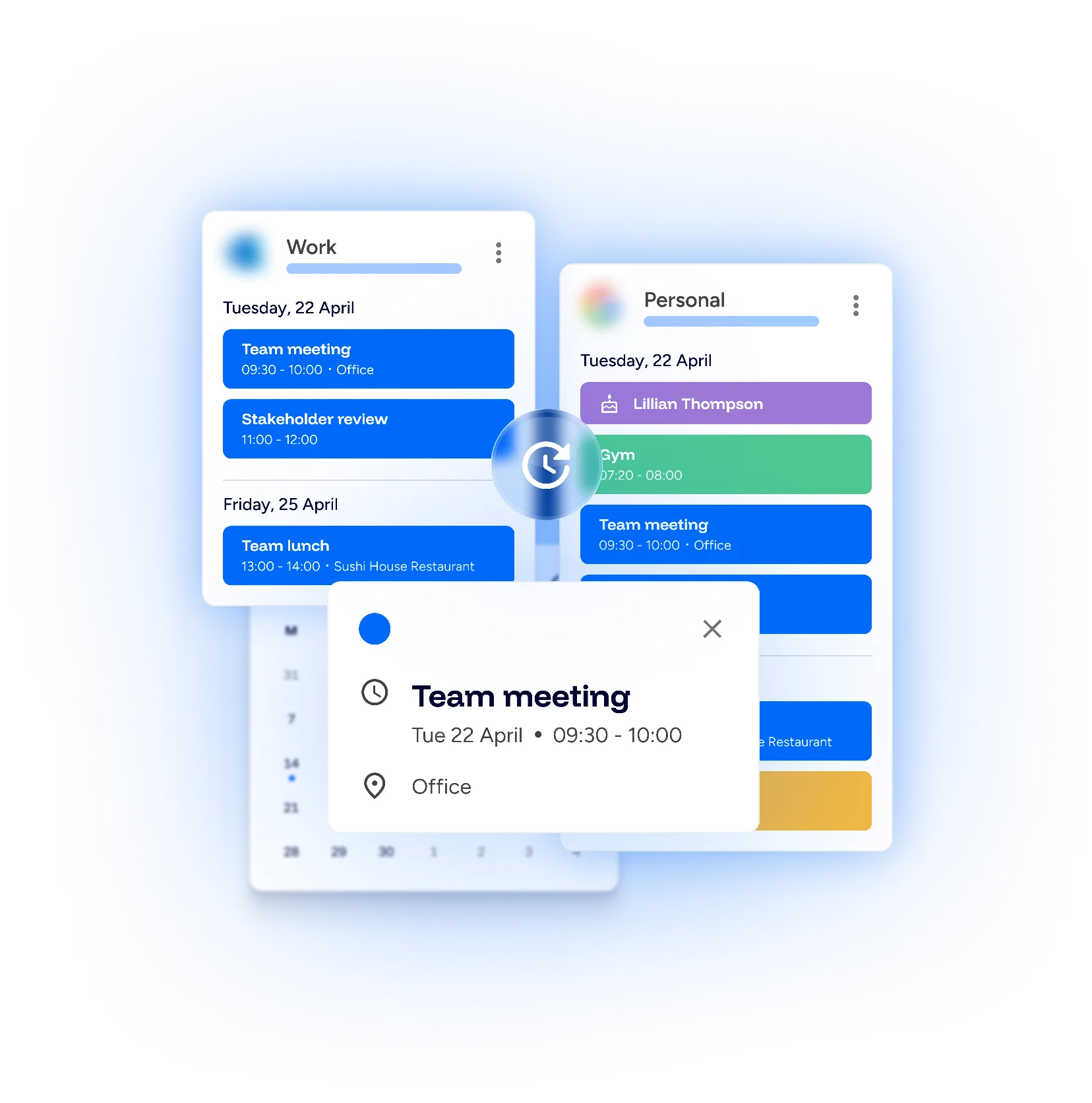
Sync your calendars, free up your time, and stop stressing over double-booking.
Your schedule, simplified!

Get full access with a 14 day free trial.
No credit card required.
Get full access with a 14 day free trial.
No credit card required.Your schedules stay in sync, all the time. Whether you're adding, editing, or removing events, your calendars update instantly, no delays, no hassle.
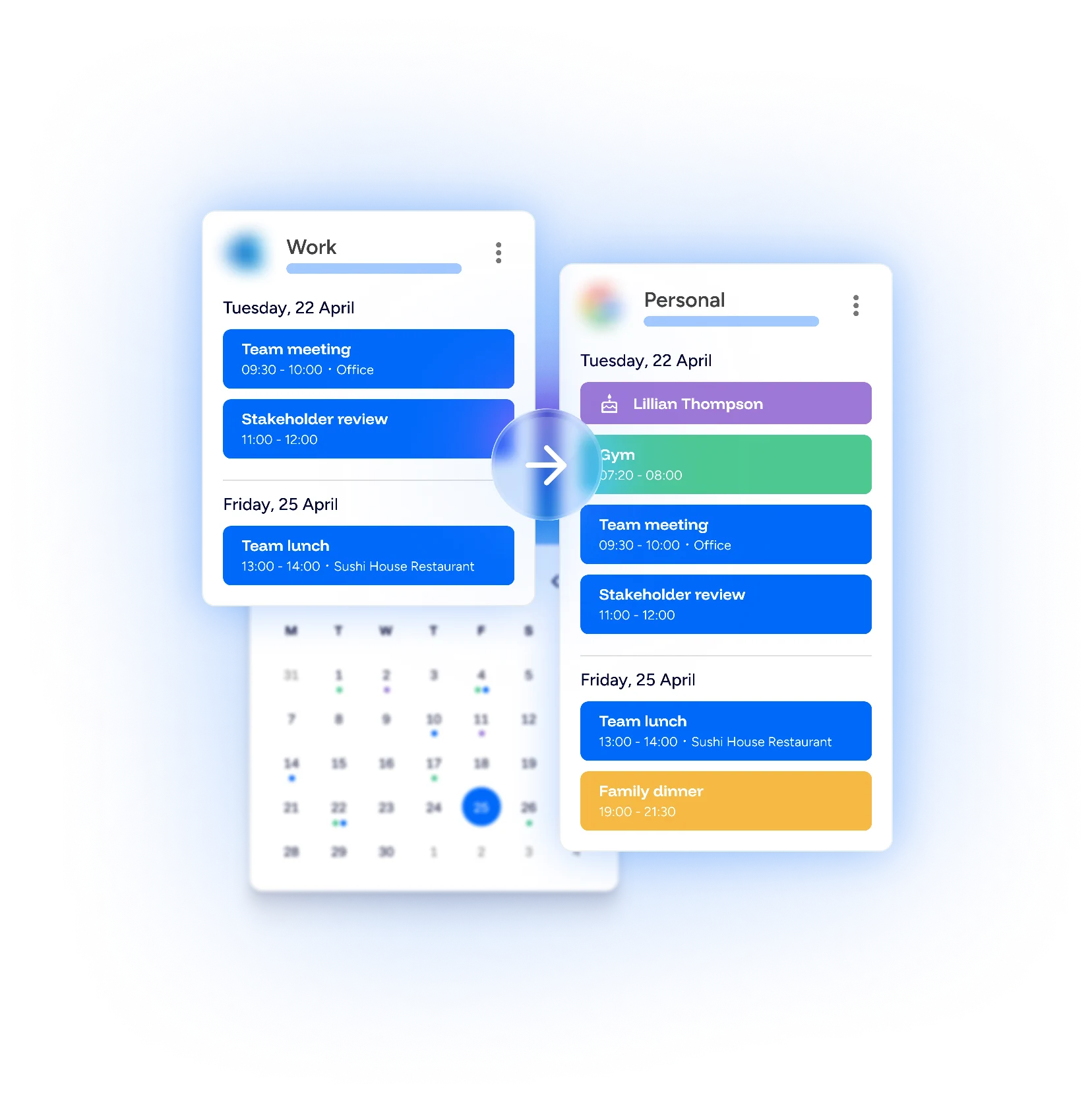
Keep things simple and organised. Want to pull events from your work calendar into your personal one? No problem! Your work calendar stays untouched, while your personal calendar gets updated.
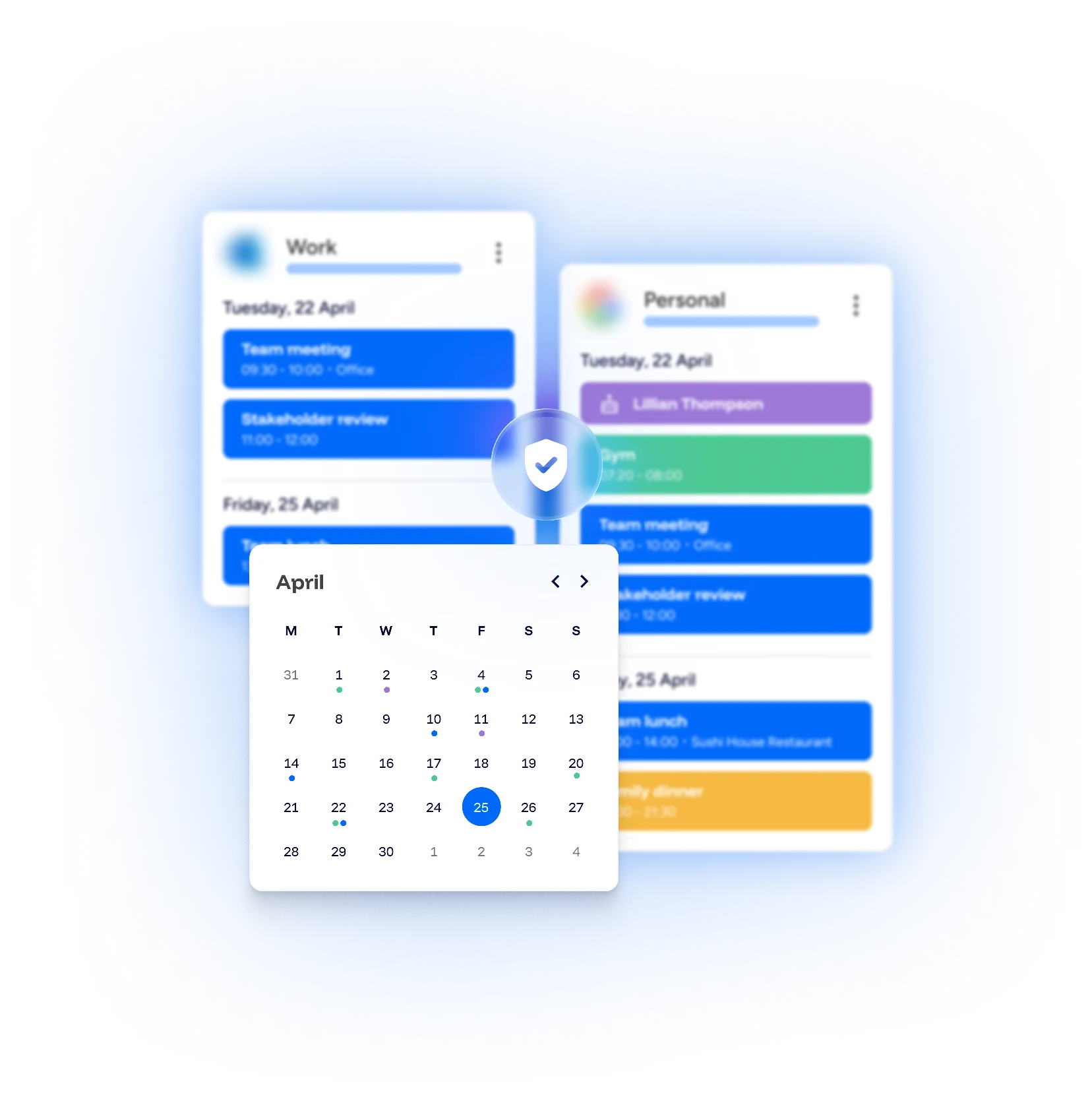
Your data, your rules. We don't store any of your personal info. Once we've synced your calendars, that's it, your data stays with you, safe and secure.
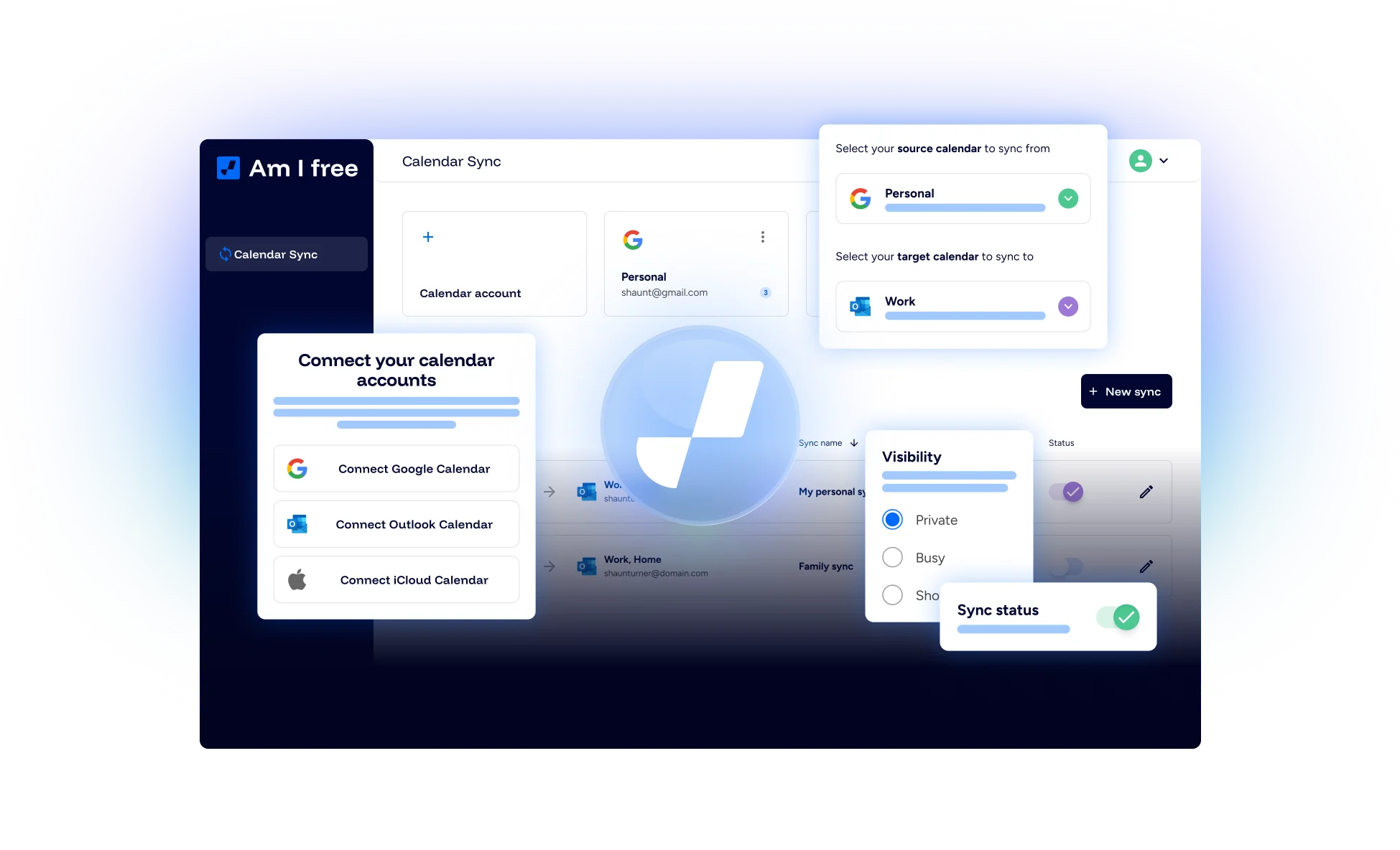
We sync with all the popular calendars, so compatibility isn't a worry. Once connected, your schedule stays updated in real-time, keeping everything on track.
Just link your calendars and let the magic happen!
 Google Calendar
 Microsoft Outlook
 Apple iCloud
Check out our FAQs to learn more about how we make syncing a breeze.
Am I Free is a calendar syncing tool that keeps your events aligned across your calendars. It automatically updates connected calendars so your schedules stay in sync, helping you avoid missed meetings or double bookings.
We currently support Google Calendar and Microsoft Outlook. More integrations are planned.
Yes. Our free plan lets you use basic syncing with a limited number of calendars and syncs.
A sync defines how events are copied or mirrored between calendars. For example, a one-way sync copies events from your work calendar to your personal calendar.
Log in to Am I Free, choose your calendar provider (Google or Outlook), and follow the prompts to authorise access. We only request the permissions needed to sync your events.